 Vonode
Messages
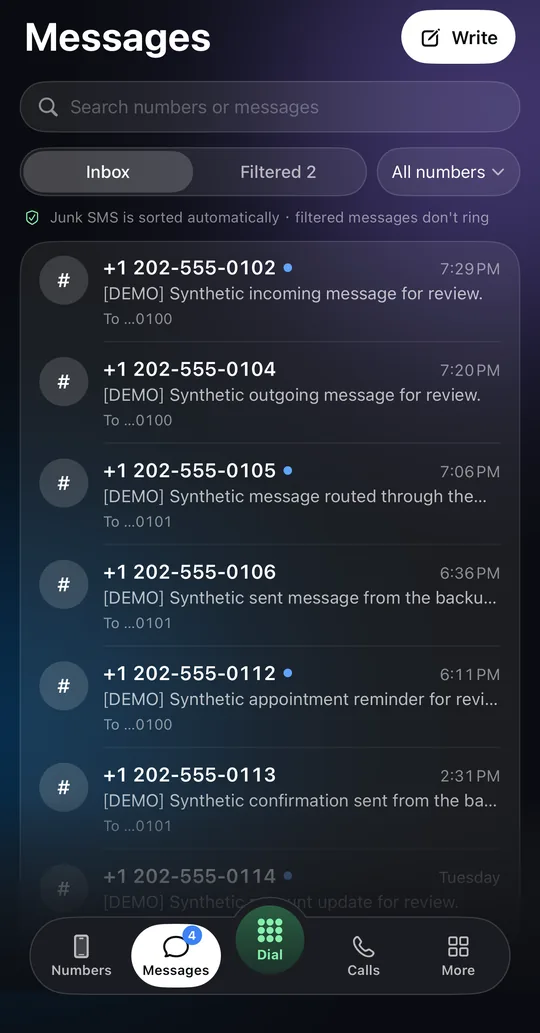
Read and send SMS for every number on the node. Junk is sorted automatically, and a reply goes out from the number that received the thread.
For iPhone and iPad · Self-hosted
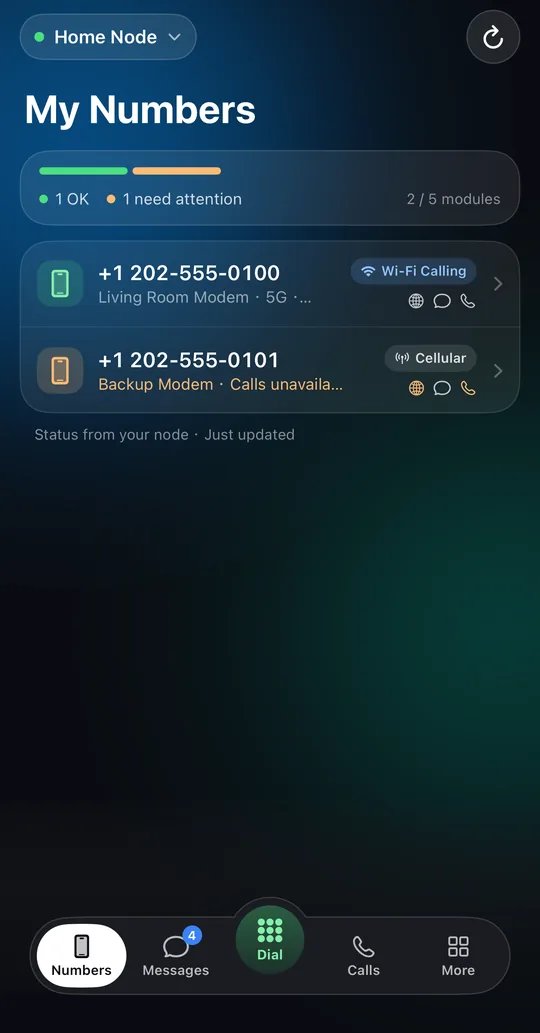
Vonode turns a Linux computer with cellular modules into a private node. The Vonode app reads and sends SMS, makes and answers calls, switches eSIM profiles and turns on Wi-Fi calling, all through hardware you run yourself.
Free download on the App StoreFree plan availableiOS and iPadOS 17 or later
How it works
There is no Vonode cloud between you and your numbers. The app talks to your node directly. A small relay run by VONODE LLC delivers Apple notifications and confirms subscriptions; it does not store plaintext message content.
Messages, calls, numbers and settings in a native app for iPhone and iPad.
A 64-bit Linux computer running the Vonode node software, with up to five USB cellular modules.
Your own SIM and eSIM plans. Wi-Fi calling works where your carrier enables it on the plan.
Features
Read and send SMS for every number on the node. Junk is sorted automatically, and a reply goes out from the number that received the thread.
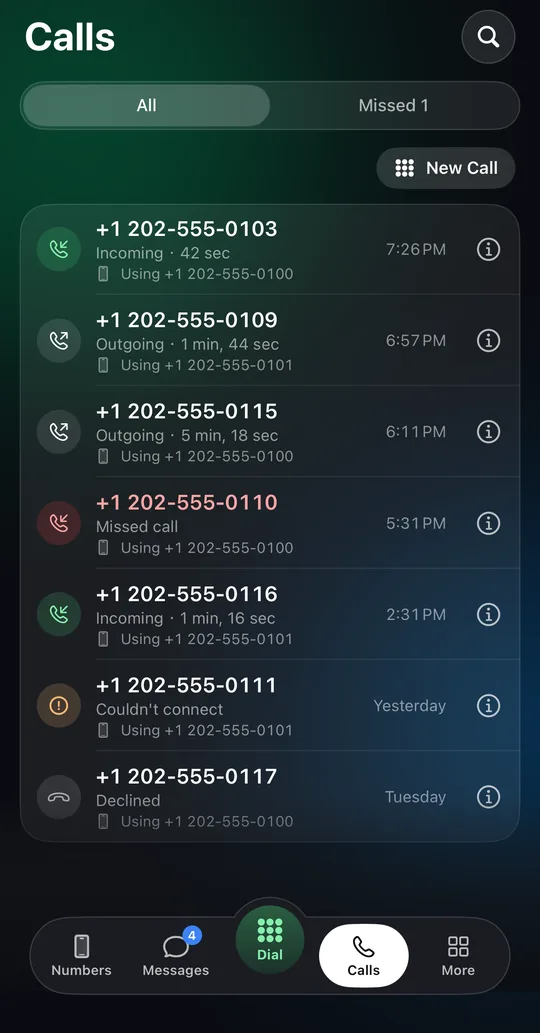
Make and answer calls through your node. Incoming calls ring on your iPhone through CallKit, even when the app is in the background.
Switch each SIM between cellular and Wi-Fi calling (VoWiFi). The node reaches your carrier over the internet; your plan must support it.
Download, switch, rename and delete eSIM profiles on a removable eUICC card. Physical SIMs work as they are.
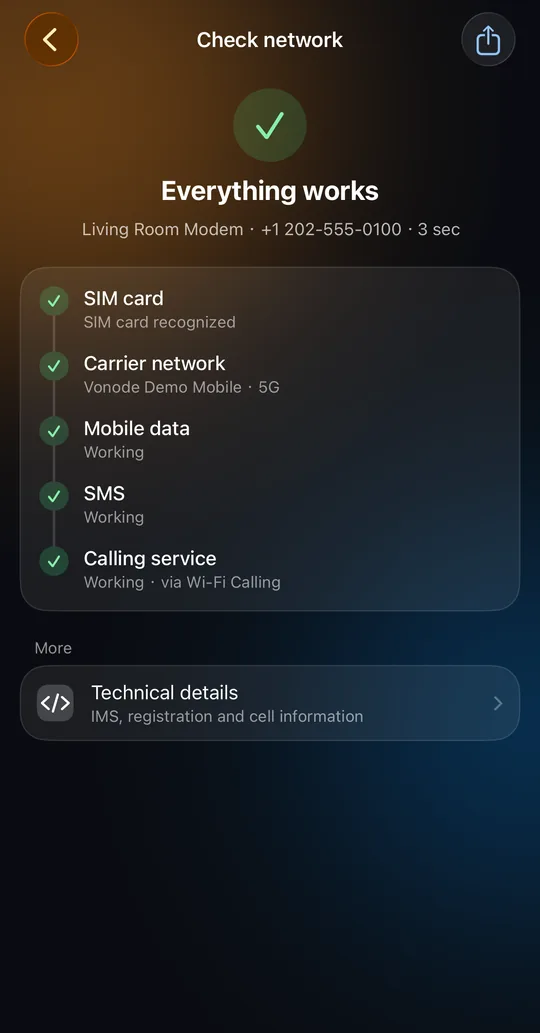
A plain-language check of SIM, carrier, mobile data, SMS and calling service, with technical details one tap away.
SMS and call alerts through Apple push. Optional message previews are encrypted by your node and decrypted only on your phone.
Carrier codes (USSD), automations, proxies, backups and moving to a new phone, all in the same app.
Plans
The app is a free download. Without a subscription, you choose one number on one node and read the SMS it receives. A subscription unlocks one node with every feature.
Read the SMS one number receives.
The free number cannot be changed after you choose it.
Every feature on one node.
Plans renew every 1, 3, 6 or 12 months. Current prices are shown in the app and on the App Store. Manage or cancel in your Apple Account settings.
Hardware, SIM plans, carrier charges and hosting are not included and remain your responsibility.
Messages, call history and settings live on the node you operate. The relay delivers Apple notifications and confirms subscriptions; it does not store plaintext message content. See the privacy policy.
You pair the app by scanning a one-time QR code that your node shows. It is valid for five minutes, and the app pins the node's SSH host key.
Vonode depends on your hardware, carrier, network and Apple services. Do not rely on it for emergency or life-safety communication.
You need a 64-bit Linux computer, a supported cellular module and a SIM. The guide walks you through the rest.